GTA 6 on PS5, PS5 Pro and Xbox: 30 FPS, Digital Foundry's real-world results and Xbox Cloud Gaming
How GTA 6 runs on each console: 30 frames per second, PS5 Pro extras, cloud play and Digital Foundry's first analysis, with dips below 20 FPS on Xbox Series S.
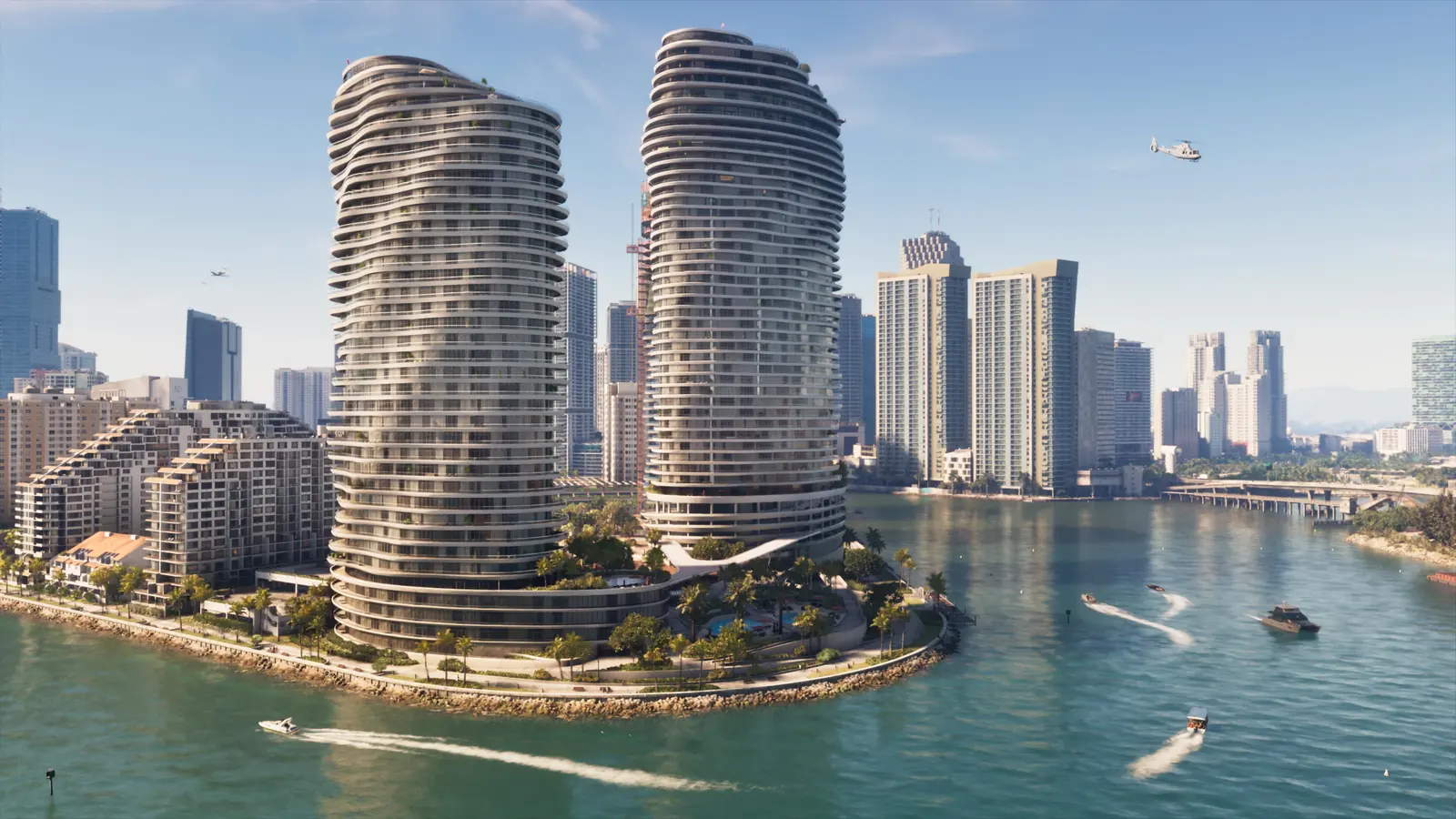
Alongside the pre-load, Rockstar finally explained how GTA 6 will look and run on each console. One version stands out, another is played in the cloud, and a few questions remain open. Here’s the summary.
Updated November 18: real-world data is in. We’ve added Digital Foundry’s first technical analysis, published after the review embargo lifted. Jump to real-world performance.
Updated November 19: we’ve added the settings players recommend for stutter, blur and HDR.
Updated November 24: we explain the darkened screen edges, one of the most common complaints, and whether you can get rid of them.
The short answer
| Console | How you play | What to know |
|---|---|---|
| PS5 | Installed on the console | 30 FPS, haptic feedback, 3D audio and faster loading |
| PS5 Pro | Installed on the console | Everything on PS5, plus PSSR and exclusive ray-traced shadows |
| Xbox Series X and Series S | Installed on the console | 30 FPS |
| Xbox Series X|S and Xbox One | Xbox Cloud Gaming | Uses Series S graphics settings and depends on your connection |
| PC | Not available | No announced date |
30 frames per second on every console
Rockstar says GTA 6 was built from the ground up for current consoles and targets 30 FPS, pushing both machines to their limit. The goal is to keep the density of people, cars and detail across the whole map without cutting corners.
What it means for you: 30 FPS is standard for very dense open-world games, as GTA V was in its day. There is no announced 60 FPS mode. If Rockstar adds one later, we’ll report it.
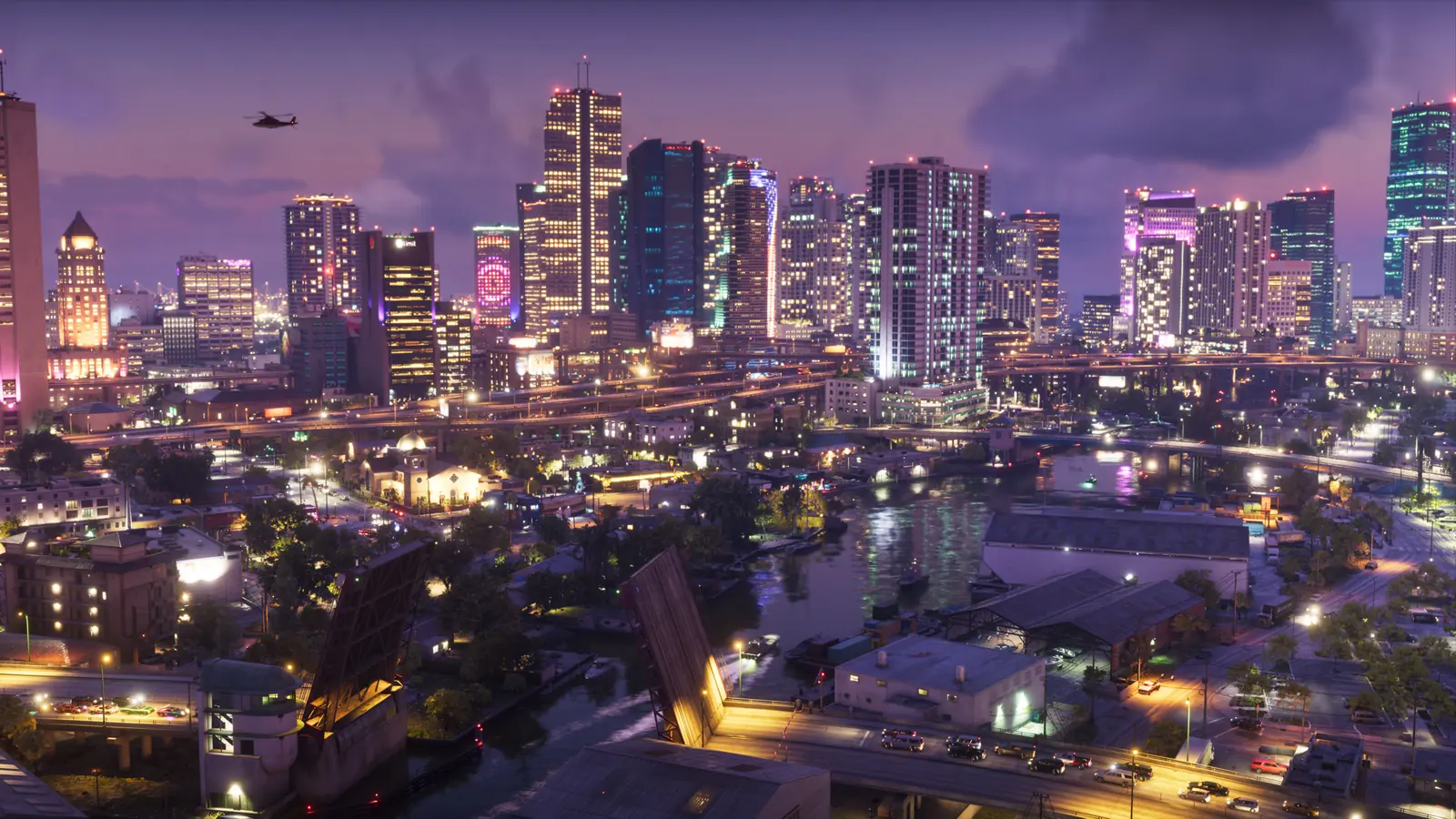
Real-world performance: what Digital Foundry measured
With reviews out, Digital Foundry has tested the game on every console. Here are its findings, as summarized by Kotaku on November 18:
| Console | Resolution | How well it holds 30 FPS |
|---|---|---|
| PS5 Pro | — | Holds 30 FPS almost all the time. Heavy car destruction drops it to around 24 FPS |
| Xbox Series X | 1440p | Similar stability to PS5 Pro, with similar dips in chases and firefights |
| PS5 | — | Struggles more to hold 30 FPS; destruction-heavy dips last until you leave the area |
| Xbox Series S | 720p | Around 25 FPS in combat and chases, about 20 FPS in heavy chaos, with brief dips to 18–19 FPS |
What it means in practice:
- PS5 Pro and Series X are the best ways to play on console. Kotaku’s reviewer played on PS5 Pro and says it ran at 30 FPS most of the time.
- Xbox Series S is the weakest version: lower resolution, lower-quality textures and some trimmed detail. It’s playable, but you’ll notice.
- There is no 60 FPS mode, not even on PS5 Pro, and Rockstar doesn’t appear to plan one. Push Square also flags this as one of the few downsides in its 10/10 review.
Note: these are measurements of the launch version. Rockstar usually ships patches in the first weeks, so performance may improve. We’ll update this if it changes.
Player tips to make it run better
Since launch, players have been sharing settings on Reddit that helped them. These are not official Rockstar advice and results vary, but they are easy to try and to undo. TechRadar rounded them up in its launch-day live blog.
| Problem | What players suggest | Watch out |
|---|---|---|
| Stutter on base PS5 | Clear the console cache and turn off HDCP in the PS5 settings (one r/GTA6 player says it makes “a massive difference”) | With HDCP off, video streaming apps and Blu-ray discs won’t work. Turn it back on afterwards |
| Blurry image when moving | Turn off motion blur (r/PS5pro) | Other players say to keep it on if you have an OLED TV, because at 30 FPS motion can look choppy |
| Imprecise sticks | Lower the controller dead zone in the game settings | Some feel the default is too large. Reduce it step by step |
| Badly calibrated HDR | Display expert Vincent Teoh warns that the first HDR calibration screen (max brightness) works differently from the usual approach, and one TV setting needs changing for it to come out right | If the picture looks washed out or blown out, redo the calibration |
If none of this helps, remember that GTA 6 targets 30 FPS and, according to Digital Foundry, dips below it in busy moments. More advice for your first hours in our beginner tips.
The dark screen edges (the vignette)
Plenty of players dislike that the edges of the picture look dark most of the time, as if the screen had a shaded frame. That’s a vignette effect. According to Business Upturn, many replies to Rockstar Support’s post on X about the November 23 patch asked for a way to turn it off or tone it down.
Here’s what we know:
- It’s deliberate. According to iXBT Games and other sites, Rockstar’s VP of Art Michael Kane said in the pre-launch technical interviews that the darkening is an artistic choice, not a bug. We couldn’t read the original interview, so treat this as second-hand.
- You can’t turn it off. There’s no “vignette” option in the menus, and Rockstar hasn’t promised one.
- One specific case was fixed. According to the same sources, Rockstar fixed a bug that made the effect stronger than intended in some situations. It hasn’t said in which version.
- Patch 1.002.002 doesn’t touch it. The official notes for the first patch don’t mention the vignette, and Rockstar hasn’t responded to the complaints.
Can you tone it down?
There’s no official fix. Some guides suggest the changes below, with results not every player notices:
| Setting | Where | What to expect |
|---|---|---|
| Player Status, Hit and Awareness Effects Intensity | Settings → Display → Visual Effects (lower from 5 to 1) | Less darkening when your character is hurt, tired or under pressure. The base vignette stays |
| Brightness calibration | Settings → Display → Calibration | Nudging the SDR value up makes the edges easier to read |
| TV or HDR brightness | On your TV or console | Helps if night scenes look too dark |
If the effect suddenly gets much stronger in one repeatable situation, it may be a bug worth reporting to Rockstar Support.
PS5 Pro: the best-looking version
On PS5 Pro, GTA 6 gets two exclusive upgrades:
- PSSR (PlayStation Spectral Super Resolution): an AI upscaling technique that makes the image sharper.
- Ray-traced shadows: more realistic shadows, only on this console.
PS5 extras with the DualSense controller
On every PS5 (original, Slim and Pro), Rockstar highlights:
- Haptic feedback throughout the game, adjustable in the accessibility options.
- Enhanced 3D audio for headphones that support Tempest 3D Audio.
- Faster loading.
Rockstar even says GTA 6 plays “best on PlayStation 5”. That is a marketing line, since the campaign is run with PlayStation, but the extras are real.
Xbox: on console or in the cloud, even on Xbox One
On Xbox Series X and Series S the game installs and plays as usual. The surprise is Xbox Cloud Gaming: GTA 6 can be streamed on Xbox Series X|S and on Xbox One, a console that could never run it natively.
The fine print:
- The cloud version uses Xbox Series S graphics settings, not Series X.
- As with all streaming, quality depends on your connection. Expect possible lag or image artifacts you wouldn’t get playing locally.
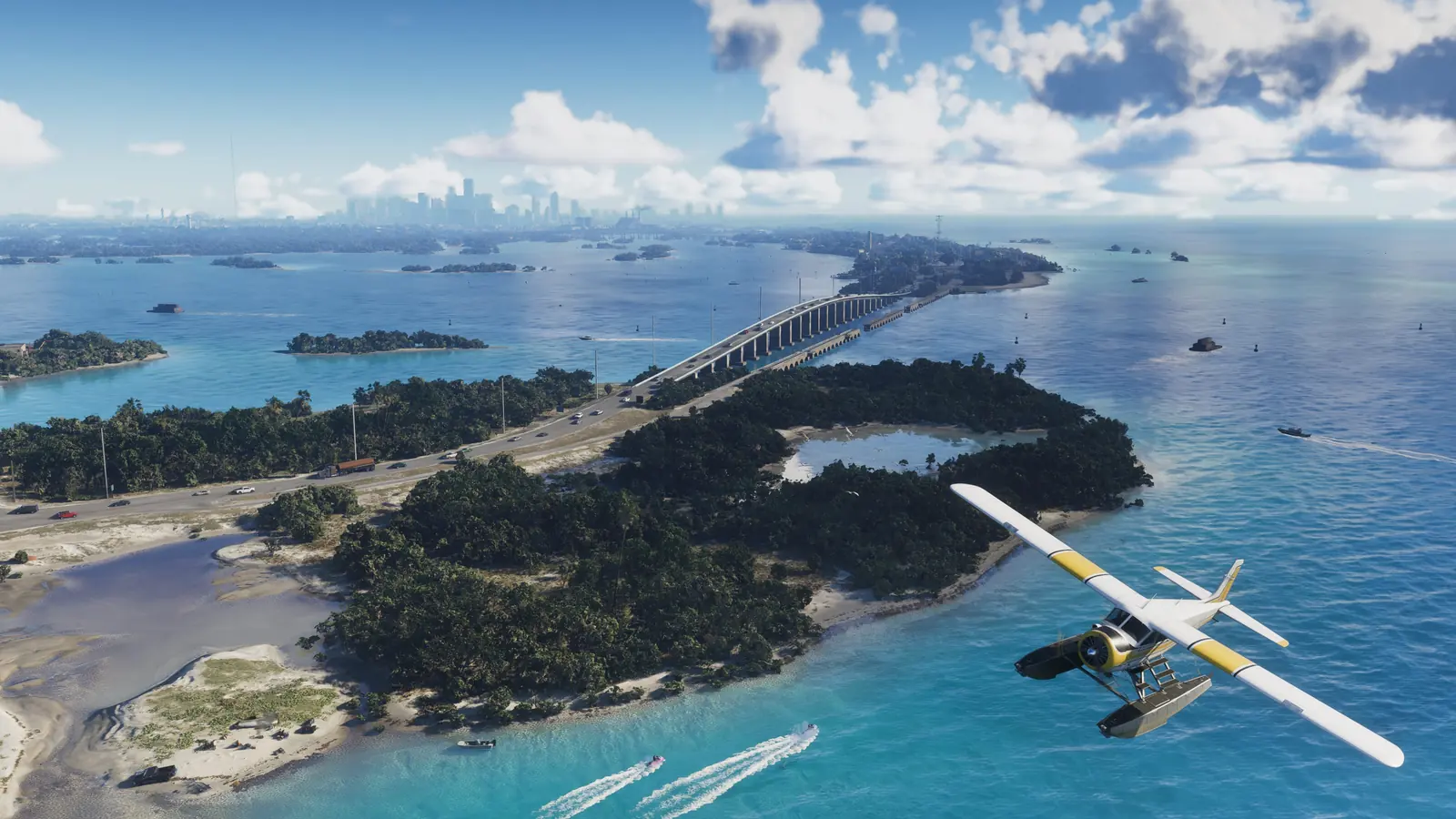
Remote Play on both consoles
GTA 6 supports full Remote Play on PlayStation and Xbox: you can play on your phone, tablet or computer by connecting to your own console.
What about PC?
No PC version has been announced. Rockstar has only confirmed PS5 and Xbox Series X|S. We look at when it might arrive in GTA 6 on PC.
Before you play
Pre-loading is already open and the game takes up to 212 GB. Details in the GTA 6 pre-load guide and every date in the launch calendar.
Sources
- Business Upturn: the November 23 update leaves the vignette players dislike untouched (Aditi Bhogle, November 24, 2026)
- iXBT Games: Rockstar reveals GTA VI technical details (November 18, 2026)
- Tpose Gaming: can you turn off GTA 6's vignette? (Alex March, updated November 21, 2026)
- TechRadar: GTA 6 launch-day live blog with player tips (Matt Bolton, November 19, 2026)
- Rockstar Newswire: pre-load Grand Theft Auto VI now (November 10, 2026)
- Rockstar Newswire: pre-load begins on November 10 (November 3, 2026)
- Digital Foundry: GTA 6 console tech analysis (video, November 18, 2026)
- Kotaku: GTA 6 performance is mostly stable, except on Xbox Series S (November 18, 2026)